

Have you ever wondered if you can take control of your money without spending a single cent? Free budgeting tools help you do just that by turning confusing bills and income into a clear, easy-to-understand picture.
Imagine your money as puzzle pieces that finally click together. You get a simple view of where you might be overspending or putting too much aside.
In this post, I'll show you how these tools keep your budget on track so you can focus on what really matters: taking charge of your cash in a smart and straightforward way.
Essential Free Budgeting Tools to Start Managing Your Money
Free budgeting tools let you see where your money is going without spending a dime. They keep track of your bills, help you set spending goals, and even show neat insights about your overall financial picture. These tools are a great way to begin taking charge of your money in a simple, no-fuss manner. If you want to explore more financial planning tools, check out https://gotocryptos.com?p=416.
| Tool | Key Features | Best For | Limitations |
|---|---|---|---|
| NerdWallet | Tracks net worth, cash flow, credit score, home value; includes comparison tools | Anyone who wants a complete financial snapshot | The interface may seem a bit much for beginners |
| EveryDollar | Manual budgeting by category; a paid version adds auto-tracking | People who like simple, organized tracking | The free version requires all entries to be added manually |
| Empower Personal Dashboard | Automatically sorts spending by date, type, and vendor; lets you set monthly targets | Those who prefer an automatic way to track expenses | It might seem tricky for new users |
| Rocket Money | Links accounts, tracks subscriptions, sends balance alerts, sorts expenses | Users mainly focused on keeping track of subscriptions | It has limited features for tracking investments |
| Credit Karma | Imports data from Mint, offers tips to improve credit scores, guides on managing debt | Users wanting to mix budgeting with credit insights | It is ad-supported |
Now take a moment to consider how each tool fits your spending habits and needs, and then choose the one that helps you stay on track with your money.
Comparison of Top No-Cost Budgeting Apps and Finance Management Software

When you’re picking a free budgeting app, five essential points can help you decide which one fits your needs best. Checking out each feature can make controlling your money a lot simpler.
First off, consider where you can use the app. Some apps only work on your phone, while others also come as websites or desktop applications. For instance, Mint gives you a solid website dashboard that works perfectly with its mobile app, but if you mostly use your phone, Goodbudget might be just what you need.
Next, think about how well the app can link your different financial accounts. This means connecting your bank, credit cards, and even investment accounts. PocketGuard, for example, makes it easy to see all your transactions in one place with a hassle-free setup.
Another important part is how each app helps you plan your spending. Some apps use systems like the zero-based method or the 50/30/20 rule to divide up your money. While Mint automatically sorts your expenses, other apps let you customize how you want to set up your budget.
Customization is key too. Some tools let you create your own categories or adjust how things look on your dashboard, so your budget feels personal and easy to manage.
Last but not least, never ignore security. Look for features like encryption and two-factor authentication. Apps such as PocketGuard focus on strong security, which keeps your financial information safe.
In short, if you want detailed account linking, choose a tool that offers extensive features. If you prefer to tailor your experience, go for an app that lets you design your budgeting style.
How to Choose the Right Zero-Cost Budget Planner for Your Needs
First, make sure the planner fits your personal money goals. If you're trying to save more or keep better track of your spending, choose one that naturally lines up with what you want. It’s like finding a friend who really gets your style, or picking a recipe that matches your taste.
Look for features that help you set clear savings targets and spending limits. These goal-setting tools can guide you as you move toward your financial dreams.
It helps a lot if the planner is easy to set up. When you can get started right away without any tricky steps, you’ll feel in control from the very beginning.
Good tutorials and guides are a must. They walk you through each step, kind of like a cooking class that shows you a new recipe.
Customizable options allow you to tailor your budget to match your spending habits. You can adjust the categories so your finances stay organized in a way that makes sense to you.
Also, check if you can export your data. This feature lets you keep your information safe and work on your finances on different platforms.
Some planners even include tools like loan and mortgage calculators. Having these can make it easier to balance everyday spending with bigger financial plans.
Finally, find a planner that mixes smart features with a simple, clean design. This way, you get a powerful tool that’s friendly and easy to use, making money management a breeze.
Spreadsheet-Based Budgeting: Free Templates and Worksheets

Spreadsheets are a handy, free way to manage your money. They help you keep track of expenses, change formulas as needed, and even create colorful charts that make your financial data pop. With a spreadsheet, you can tweak every detail to match your own style.
Microsoft Excel's Household Budget template comes with built-in calculations and simple charts that show your expenses and income clearly. It’s great if you want to manage your household budget without any extra fuss.
Vertex42's Google Sheets monthly budget template has automatic category tabs that neatly sort your spending. It works perfectly for anyone who prefers a cloud tool that updates your details as soon as you add new income or expenses.
SoFi’s downloadable CSV budget planner has a clean and simple layout. If you enjoy a tidy interface, this planner lets you import your data and adjust it in your favorite spreadsheet program to get a personal financial snapshot.
There’s also a printable zero-based PDF worksheet, a paper-friendly option for budgeting. It’s ideal if you like writing down your expenses by hand and keeping a tangible record of your spending over time.
By customizing formulas and adding visuals like charts or color-coded cells, you can turn these templates into powerful tools that tell the story of where your money goes.
Setting Up Your Complimentary Monthly Budget Planner

Start by gathering all your money papers. Grab your bank statements, bills, receipts, and records of what you spent recently. Having these on hand makes it easy to set up a planner that really shows how you use your money.
Get all your statements together, including those from your bank, credit card, and utility bills. This gives you a clear view of your transactions. One neat tip: track every expense for a month so you can see exactly where your cash goes.
Next, list out all your income sources. Write down your salary, any side gigs, and all other earnings. Knowing your total income tells you how much money you truly have to work with.
Now, split your spending into fixed costs like rent or loan payments and variable ones such as dining out or entertainment. Sorting your expenses this way helps tailor your budget to match your spending habits.
Look at your total income and decide on limits for necessary bills, savings, and even a little extra for yourself. Setting these spending boundaries helps prevent overspending while still letting you enjoy occasional treats.
Enter all this information into your budget tracker spreadsheet. Use custom categories and built-in formulas to neatly organize your financial details.
Lastly, take some time at the end of each month to compare your planned budget with what you actually spent. Adjust your limits and categories as needed, so your planner grows with your evolving financial habits.
Mobile Budgeting: Best Free Budgeting Apps for Android and iPhone
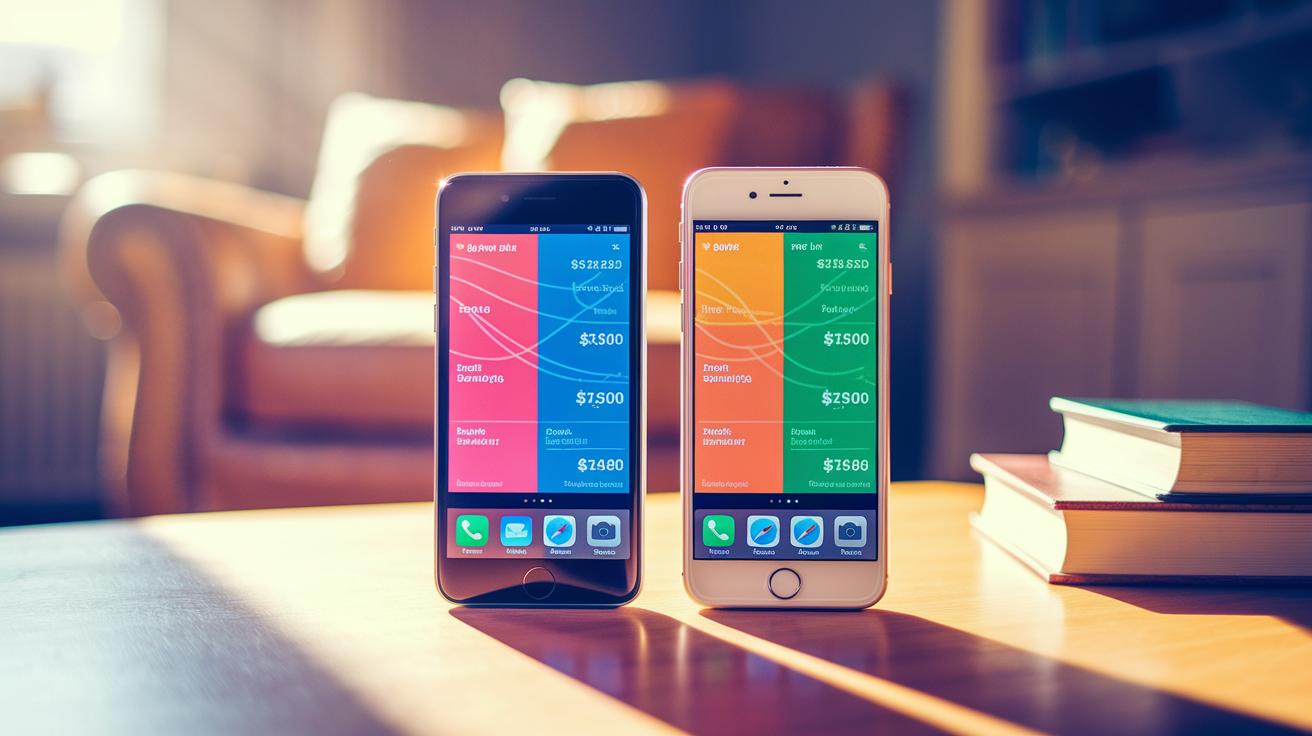
Mobile budgeting helps you keep an eye on your money wherever you go. With free apps, you can watch your spending, set simple budgets, and see your money habits without locking you into a subscription. Whether you’re using an Android or an iPhone, there’s an app out there that fits your style and financial goals.
Android users, check this out. Wallet by BudgetBakers keeps your data in the cloud, updating it automatically on all your devices. It even handles different currencies, so if you deal with money from various countries, this tool makes it easy. The setup is a breeze, just sign in, link your accounts, and you’re ready to see a clear snapshot of your spending. And then there’s Goodbudget. This app uses an envelope method to divide your money into different spending pockets. You manually add your expenses, which can really help you stick to budgets for groceries, bills, or fun outings, just like putting cash into labeled envelopes.
iPhone users have great choices too. Mint offers a free, ad-supported overview of your spending and credit, and its simple setup lets you start tracking right away. Then there’s YNAB, which gives you a 34-day free trial to play around with its hands-on goal-setting tools and detailed spending reports. It’s a smart way to test if its full features match your way of managing money before you commit to anything.
Limitations and Best Practices for Free Budgeting Tools

Free budgeting tools are a great way to manage your money without spending extra cash. They let you keep an eye on your spending easily, but sometimes they can be a bit of a hassle. You might notice lots of ads, pressure to upgrade for extra features, or even limits on how far ahead you can plan your spending. And, if something goes wrong, their customer support may not come through, plus there can be worries about keeping your data safe.
Here are a few tips to get the best out of these free tools:
- Back up your data often so you never lose your money details.
- Check out independent reviews at unbiased financial planning tool reviews to see what others are saying.
- Use more than one tool to fill in any gaps in your spending forecasts.
- Turn on two-factor authentication for extra account security.
- Set up custom alerts to catch any unusual spending quickly.
- Keep an eye on user feedback to know about new improvements or any issues.
By keeping these simple steps in mind, you can enjoy the benefits of free budgeting tools while avoiding some common pitfalls.
Final Words
In the action, we explored essential free budgeting tools to manage money and gain a clearer view of your finances. We walked through top apps, spreadsheet templates, mobile budgeting options, and even set up your complimentary monthly planner. Each section offered insights into choosing the right platform, addressing potential drawbacks while suggesting best practices for secure use.
This clear guide empowers readers to make smart choices with free budgeting tools that put financial planning firmly in your hands. Here's to a secure, confident future in digital finance.
FAQ
What are free budgeting tools discussed on Reddit?
The free budgeting tools talked about on Reddit are community-vetted apps like Mint, EveryDollar, and Empower Personal Dashboard that users trust for tracking spending and managing personal finances.
What are free budgeting tools for students?
The discussion on free budgeting tools for students highlights apps and templates like Mint and customizable spreadsheets that help students manage limited funds while keeping track of income and expenses.
What are the best free budgeting apps available?
The best free budgeting apps combine ease of use and functionality, with popular choices including Mint, EveryDollar, and similar tools offering features from account linking to manual expense tracking—all without a subscription fee.
What is Goodbudget?
Goodbudget is an app that uses an envelope budgeting system, helping users allocate funds to different spending categories through manual entry, ideal for those who want precise control over their budget.
What is a free budget template?
A free budget template is a customizable spreadsheet with preset income and expense categories, designed to help users track spending, savings, and financial goals without needing expensive software.
What is the Mint budget tool?
The Mint budget tool consolidates financial data by tracking spending, categorizing transactions, and offering bill reminders, so users can get a clear, real-time view of their finances in one place.
What does the 50/20/30 budget rule mean?
The 50/20/30 rule means you split income into 50% for essentials, 20% for savings, and 30% for discretionary spending, providing a straightforward guideline for balanced financial management.
Is EveryDollar completely free to use?
EveryDollar offers a free manual budgeting version that lets users plan expenses by category, while its premium version adds auto-tracking features, making it free to get started with basic tools.
Are free budgeting apps safe to use?
Free budgeting apps are generally safe, as they use encryption and security measures to protect personal data, though it’s wise to review their privacy policies and enable added features like two-factor authentication.